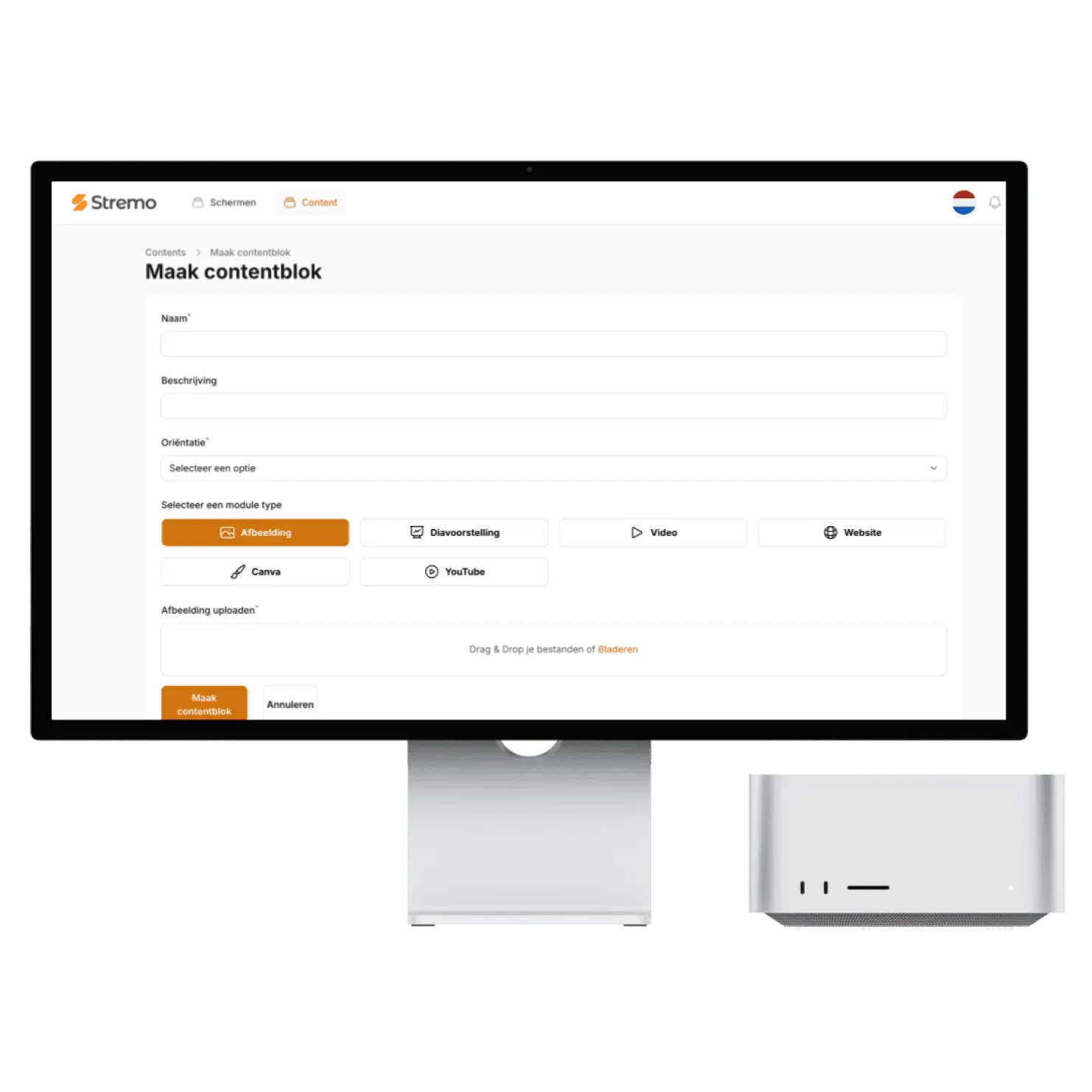
Canva instantly on your screens.

Design in Canva and show your designs instantly on your screens. Edit your design and the screen updates automatically — no exporting or uploading.

  • No credit card required
  • All integrations included
  • Cancel anytime
Canva live on a Stremo screen
Background Grid

The benefits

From Canva to screen in one click

Let your Canva designs play automatically on your screens, always the latest version.

Show your Canva designs automatically

Always up to date

New content appears on your screen on its own. You set up the integration once and never have to look at it again.

In your own branding

In your own branding

The display automatically adopts your colors and font, so your Canva designs blend seamlessly with the rest of your content.

Among your other content

Among your other content

Let your Canva designs play in your playlist: alternating with your own slides, promotions, or news — exactly as often as you want.

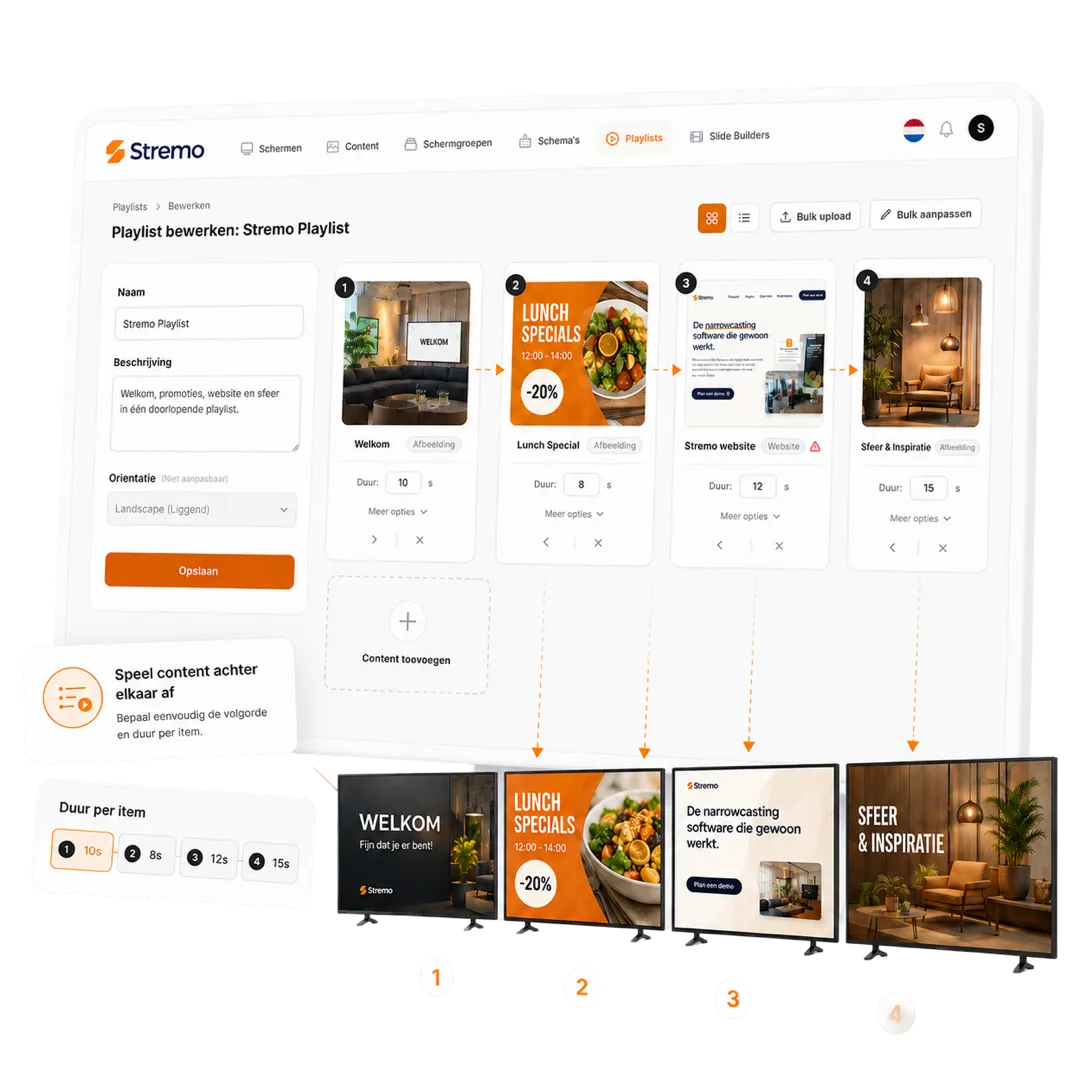
Combine your Canva designs with your other content

The Canva integration is a content block like any other in Stremo: you decide where, when, and how often your Canva designs appear on screen.

  • Works on all your screens at once
  • Schedule your Canva designs for the busiest moments
  • Combine with menus, promotions, and social media
More about playlists & schedules
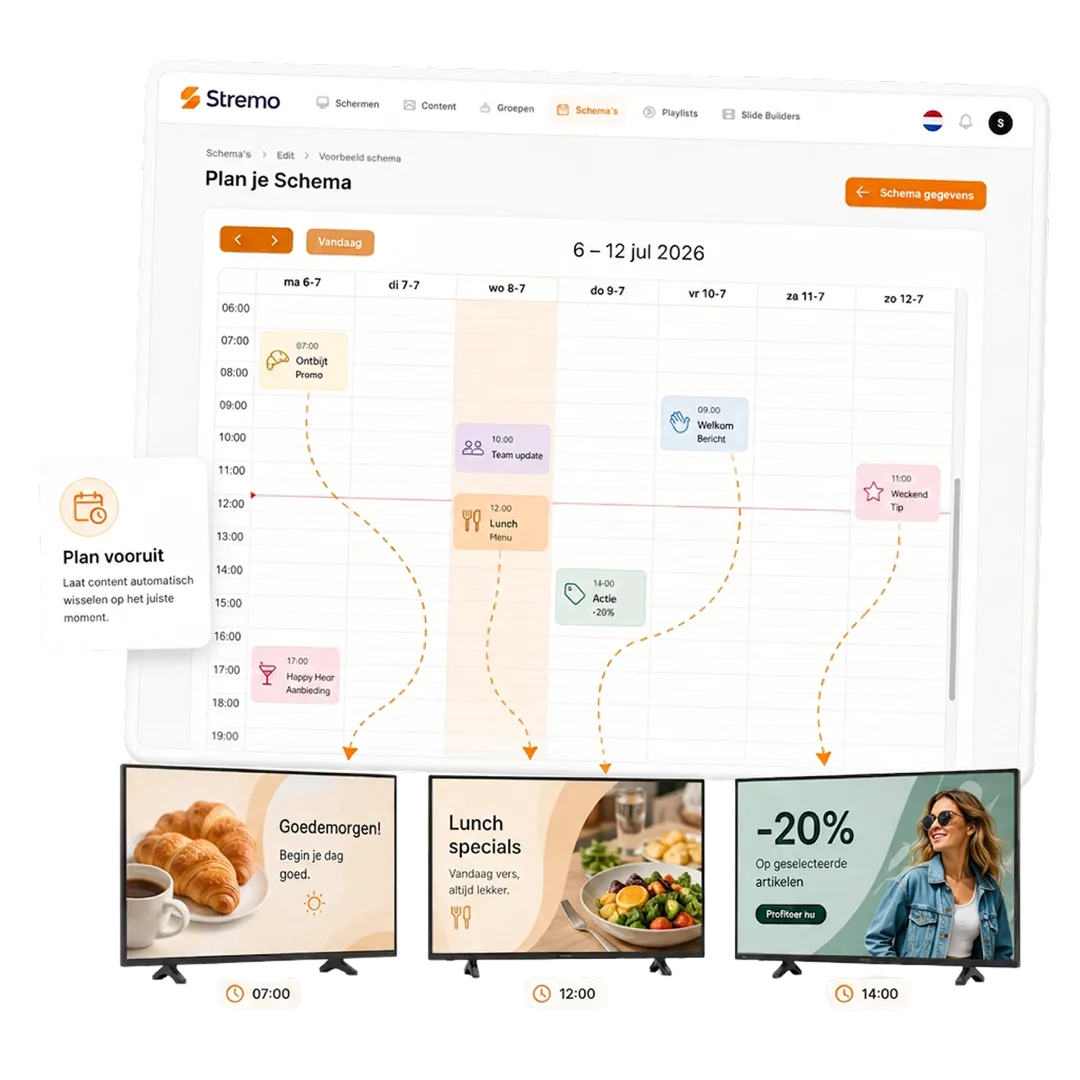
Combining your Canva designs with other content in a Stremo playlist

Always the latest content on screen automatically

You connect your Canva design once. From then on, new content is fetched automatically and shown on your screens — without you having to update anything.

  • Set it up once, then fully automatic
  • Content syncs on its own
  • Always the most up-to-date view on screen
View all integrations
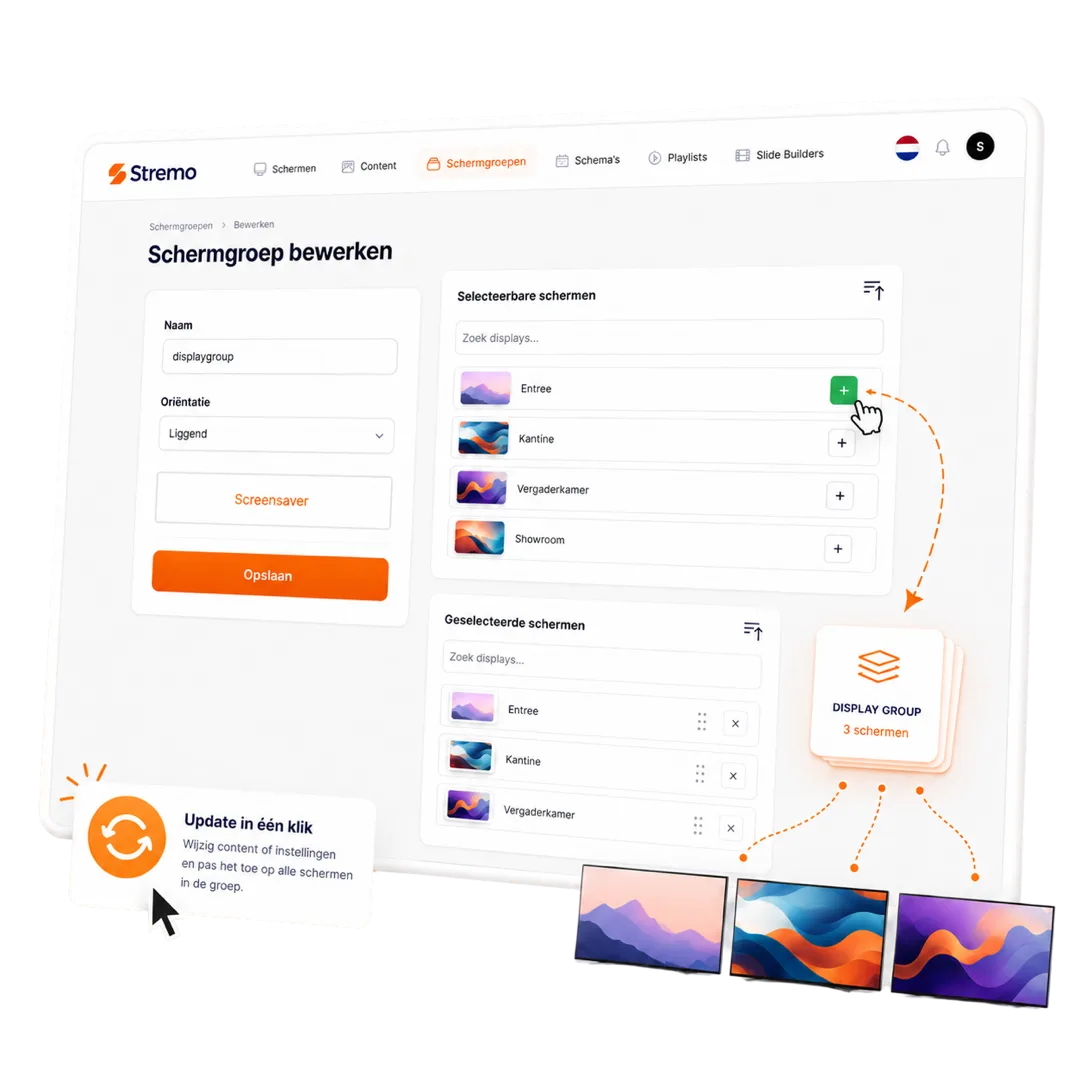
Your Canva designs automatically on your screen groups in Stremo

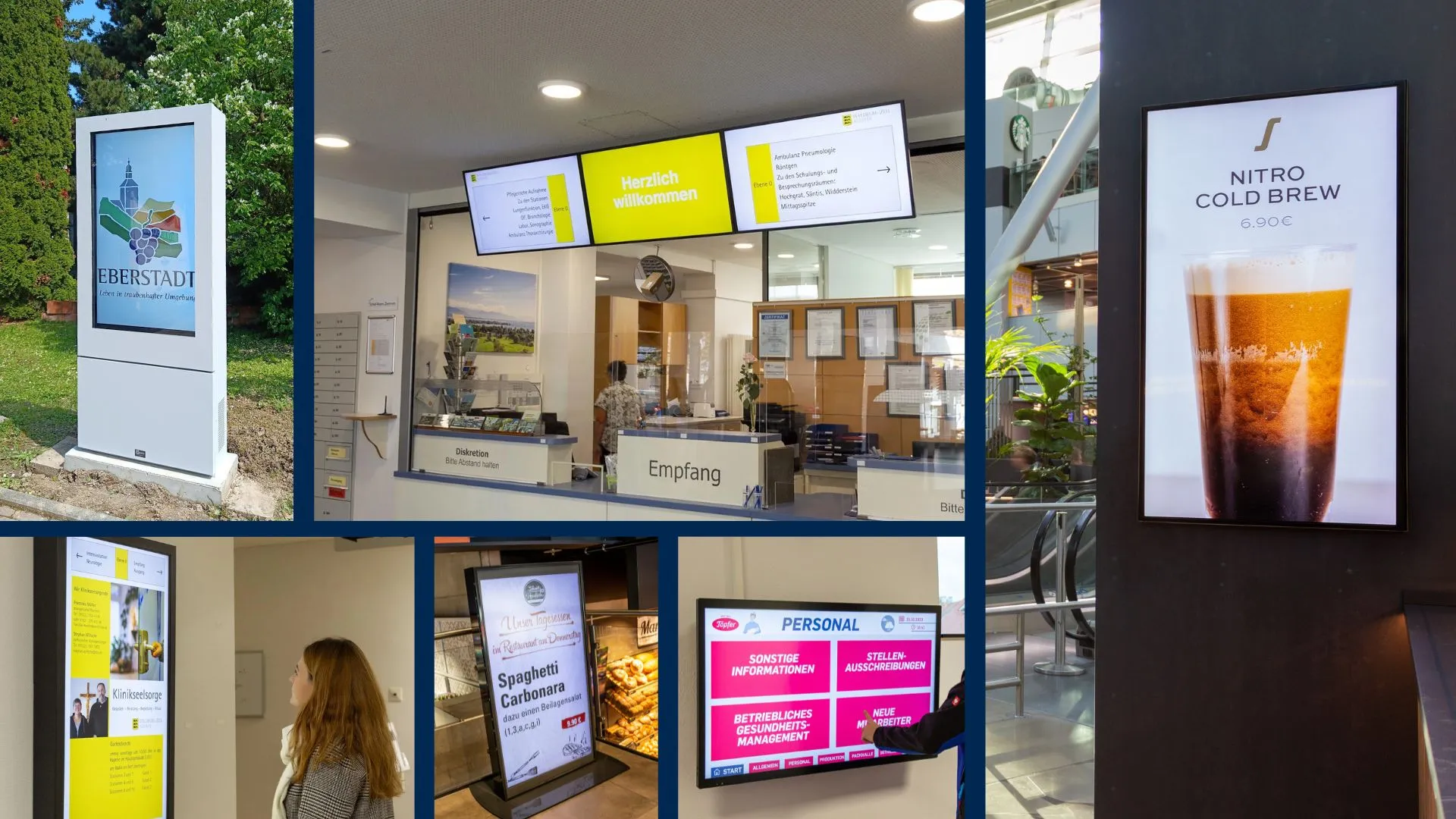
Works on the screens you already have

Show your Canva designs in landscape or portrait on any TV with HDMI. Through our smart TV app or Stremo Player, your content is live within minutes — and keeps running, even if the internet drops for a moment.

  • Any TV or screen with HDMI
  • Landscape and portrait supported
  • Content is stored locally, so it keeps running without internet
View all features
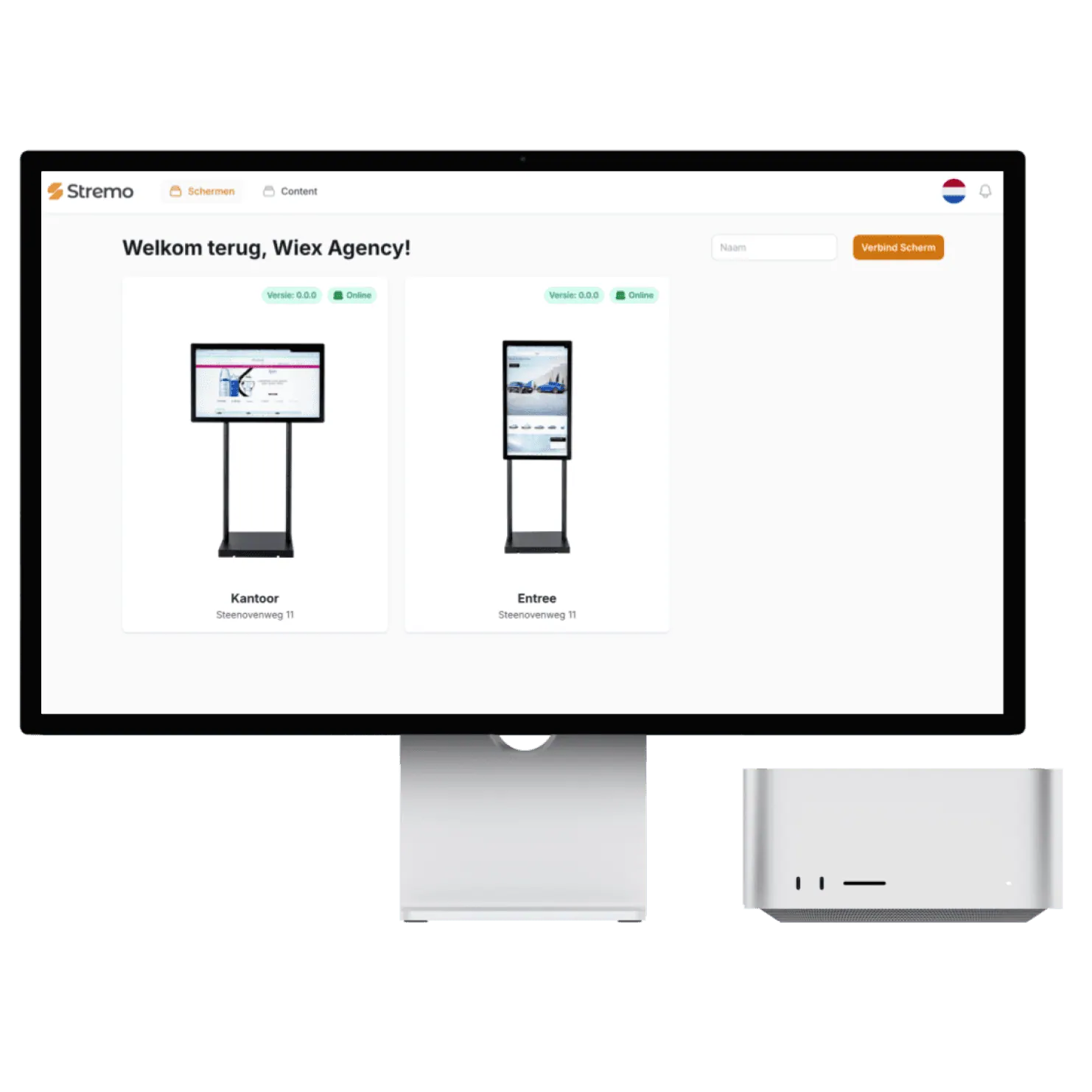
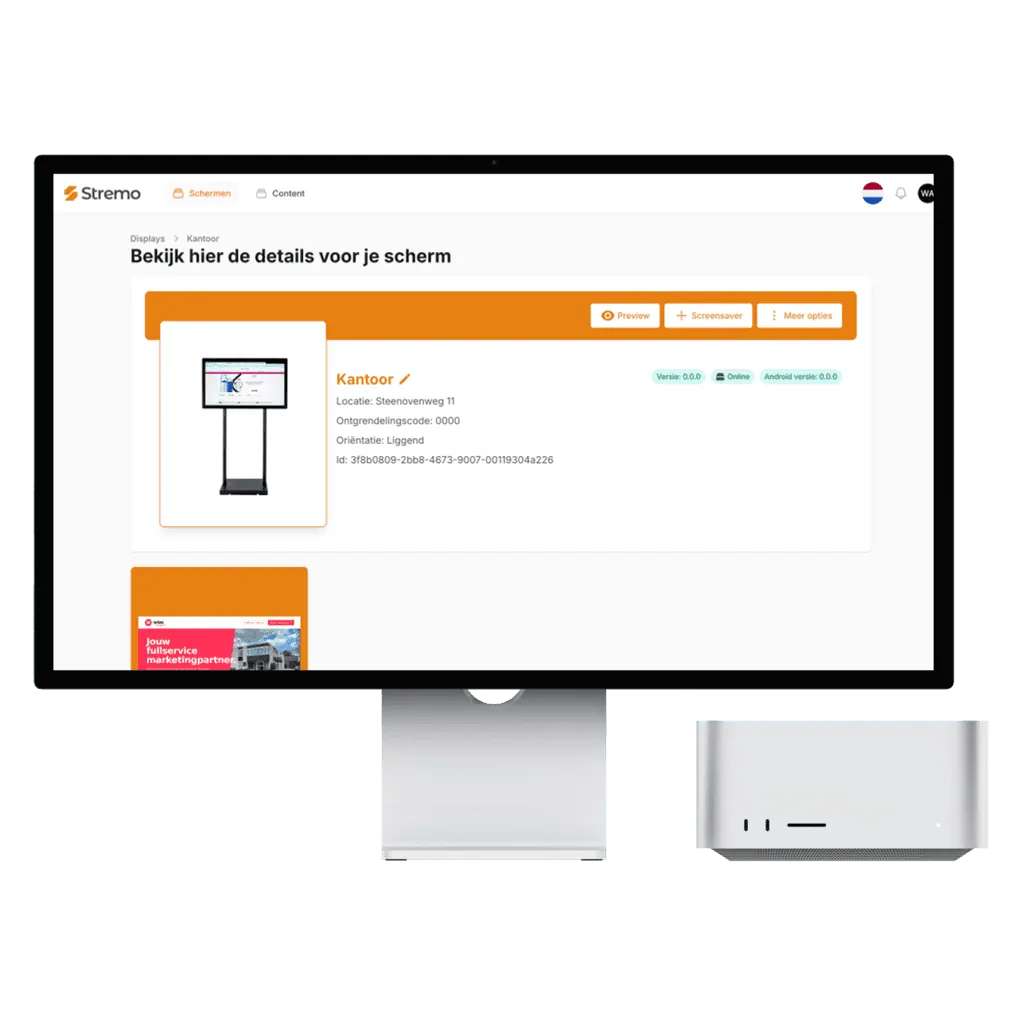
Managing and grouping screens in Stremo
4,5/5Trustpilot

How businesses use the Canva integration

From small to large: businesses let their Canva designs play automatically on their screens.

★★★★★

"Very happy with the collaboration with Stremo. From the very first contact the communication was clear and professional. They think along well, keep their promises, and the approach feels personal and reliable. Recommended!"

Stijn van Wonderenvia Trustpilot
★★★★★

"I searched a while for digital signage software until I came across Stremo. We've now been using Stremo for over a year across several locations, and it always works."

Stefanvia Trustpilot
★★★★★

"Very happy with the end result and the road to it. The software is easy to roll out on both existing and new screens. Good, personal service that gives confidence in a lasting partnership."

Emilevia Trustpilot
★★★★★

"Very good service! They're there for every question. We only have one screen, but were still helped excellently. I highly recommend Stremo!"

Mondivia Trustpilot
★★★★★

"Works nicely — no errors or changes unless you make them yourself. That's the biggest difference compared to other digital signage companies."

Tegel Eendvia Trustpilot
★★★★★

"Good service, a user-friendly system, and professional installation. Definitely recommended!"

Marije Treurvia Trustpilot
★★★★★

"A problem with the digital signage was resolved super quickly. Clear explanations and short lines of communication."

GBI Soestvia Trustpilot
★★★★★

"Super simple and quick to use, and during implementation I had pleasant contact with customer service."

Patrick Stookervia Trustpilot
★★★★★

"I've had a good experience with Stremo. We use it for the screens in our hospitality business."

Hidde Drostevia Trustpilot
★★★★★

"Super personal service — we were quickly online with our new screens."

Storm Hoogervorstvia Trustpilot
★★★★★

"I was helped professionally by the staff and given good advice! Definitely recommended!"

Rick Burggraaffvia Trustpilot
★★★★★

"Great service. Pleasant contact and beautiful screens!"

Thomas van Echteltvia Trustpilot
★★★★★

"Great help and quickly online — definitely recommended!"

Patrickvia Trustpilot
★★★★★

"They think along, are approachable, and it's a great system."

Erikvia Trustpilot
★★★★★

"Very happy with Stremo! The customer service was excellent and the on-site installation went very smoothly. Everything was neatly arranged and we were helped well."

Neil van Kuilenburgvia Trustpilot
★★★★★

"Very happy with Stremo! The system is easy to use and works nicely. Editing and managing content is quick and simple. A great solution for digital signage. Definitely recommended!"

Chrisvia Trustpilot
★★★★★

"Very happy with Stremo! The service is excellent: quick responses, helpful thinking along, and questions explained clearly. The platform is pleasant and clear, with a dashboard that makes managing screen content easy."

vcompanyvia Trustpilot
Work Image

In each of our five locations we had a different setup and a different screen. With Stremo's advice we now have working digital signage everywhere, at a fair price.

Author

Mike van der Born

GBI Telder

How it works?

Get started today, here's how it works:

With Stremo, you easily take the step to professional screen communication. Here's what the process looks like:

1. Create an account

Create an account and get instant access to the dashboard. No installation required.

2. Connect a screen

Connect a screen through our app or Stremo Player. Ready to use within one minute.

3. Set up your content

Drag your presentation, video, or schedule onto the screen. Instantly visible in the right layout.

4. Publish in real time

Select the content on the screens you want, and it's live right away — no hassle with USB sticks.

Background Blush
Our pricing

Flexible plans for your organization

Our digital signage software is always tailored, so we deliver a solution that fits your needs. All prices exclude hardware.

Save ~20%

Free trial

For businesses that want a simple start with digital signage.

14 days free
Discover what's possible

Features

  • Stream to one screen
  • Use of basic modules (images and videos)
  • Manage 1 screen at a time
  • Stremo ad (1 slide + watermark)

Stremo Enterprise

More options and flexibility for your digital signage environment.

On request
Request a quote

Plus plan plus

  • Everything in Basic
  • Available from 10+ screens
  • Custom modules and integrations
  • Includes a permissions structure and multiple locations, with on-site delivery and installation

FAQ

Questions about the Canva integration

1. How do I connect my Canva design?
Plus

You share your design and paste the link into Stremo. The design then appears instantly on your screens.

2. Does the screen update when I edit my design?
Plus

Yes. Edit the design in Canva and the latest version is shown automatically.

3. Can I show multiple designs one after another?
Plus

Yes. You put multiple Canva designs in your playlist and set the order and duration yourself.

4. Is this integration included in every plan?
Plus

Yes, all integrations — including Canva — are included in every Stremo plan. Check out the pricing for the details.

Didn't find your answer? Our team is happy to help.

Background Pattern

Get started today

Ready to get started with digital signage?

Discover how easy digital signage can be. Stremo helps businesses make information visible. Without the hassle.

Cta Image
User Image
Chat Image
Chat Image
Cta Image
Grid Background