



Digital signage on Apple TV.

The Stremo app is in the App Store on Apple TV. An Apple TV is fast, stable, and delivers razor-sharp picture, even on large 4K screens. A logical choice if you already work with Apple hardware or want to roll out your screens through Apple device management.
  • No credit card required
  • Works with every plan
  • Cancel anytime
Screen with an Apple TV and the Stremo app
Background Grid

The benefits

Premium picture, reliable in use

Apple TV is built to run reliably for years and delivers the highest image quality. For screens where the picture matters, it's the no-compromise choice.

Razor-sharp picture in 4K

Razor-sharp picture, in 4K too

Photos, videos, and animations look exactly as intended on an Apple TV. Ideal for showrooms, window displays, and large screens.

Stable for continuous use

Stable for 24/7 use

An Apple TV runs day and night without a hitch. Once it's mounted, you never have to think about it again.

Fits Apple device management

Fits your Apple device management

Already manage iPhones or iPads through an MDM solution? Then you roll out Apple TVs with Stremo the same way.

How to connect an Apple TV to Stremo

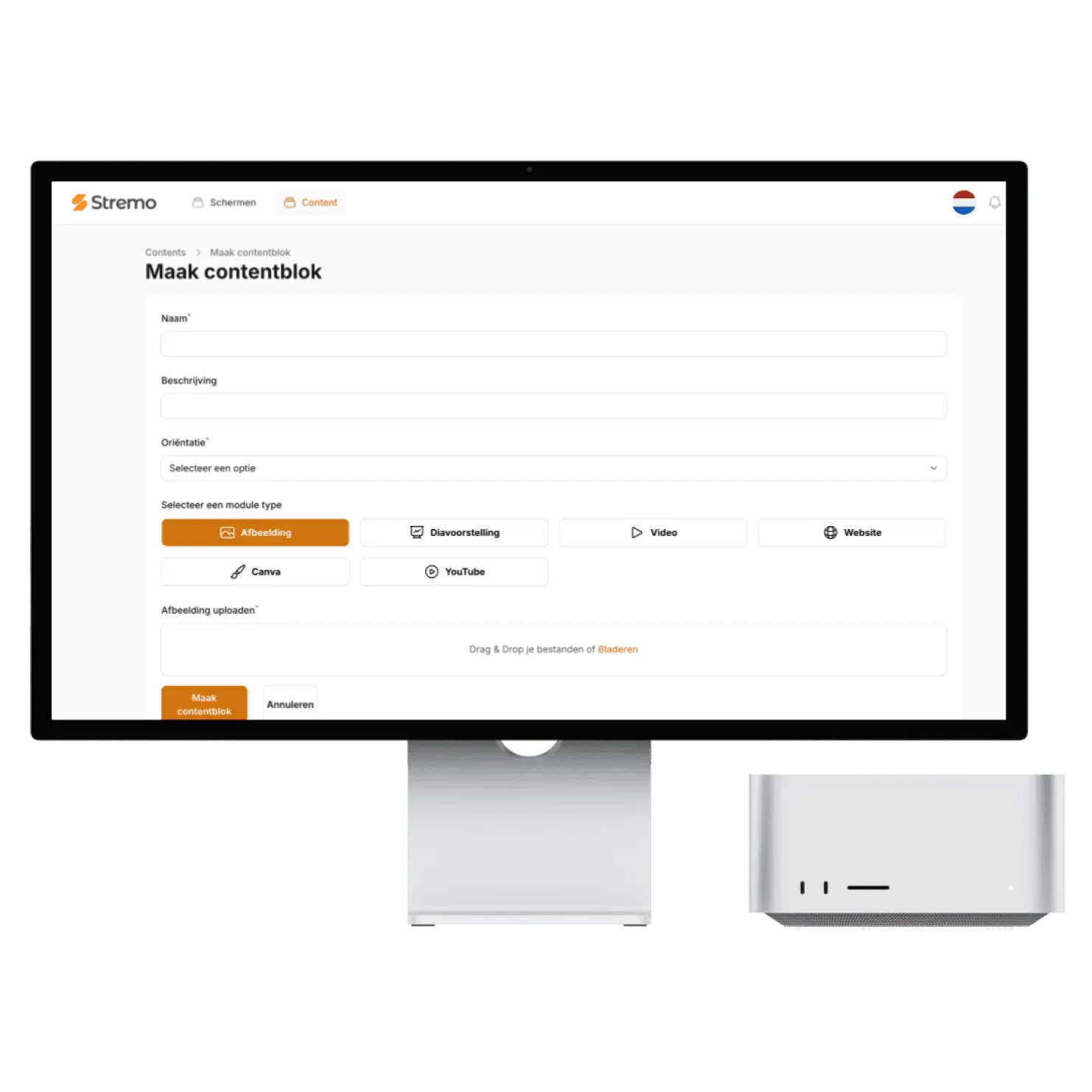
Open the App Store on your Apple TV and install the Stremo app. When it starts, a pairing code appears on the screen. Enter it in your dashboard and the Apple TV appears right away as a screen in your overview.
  • Stremo app from the App Store
  • Enter the pairing code in your dashboard
  • Live right away, no technical knowledge needed
Request the guide
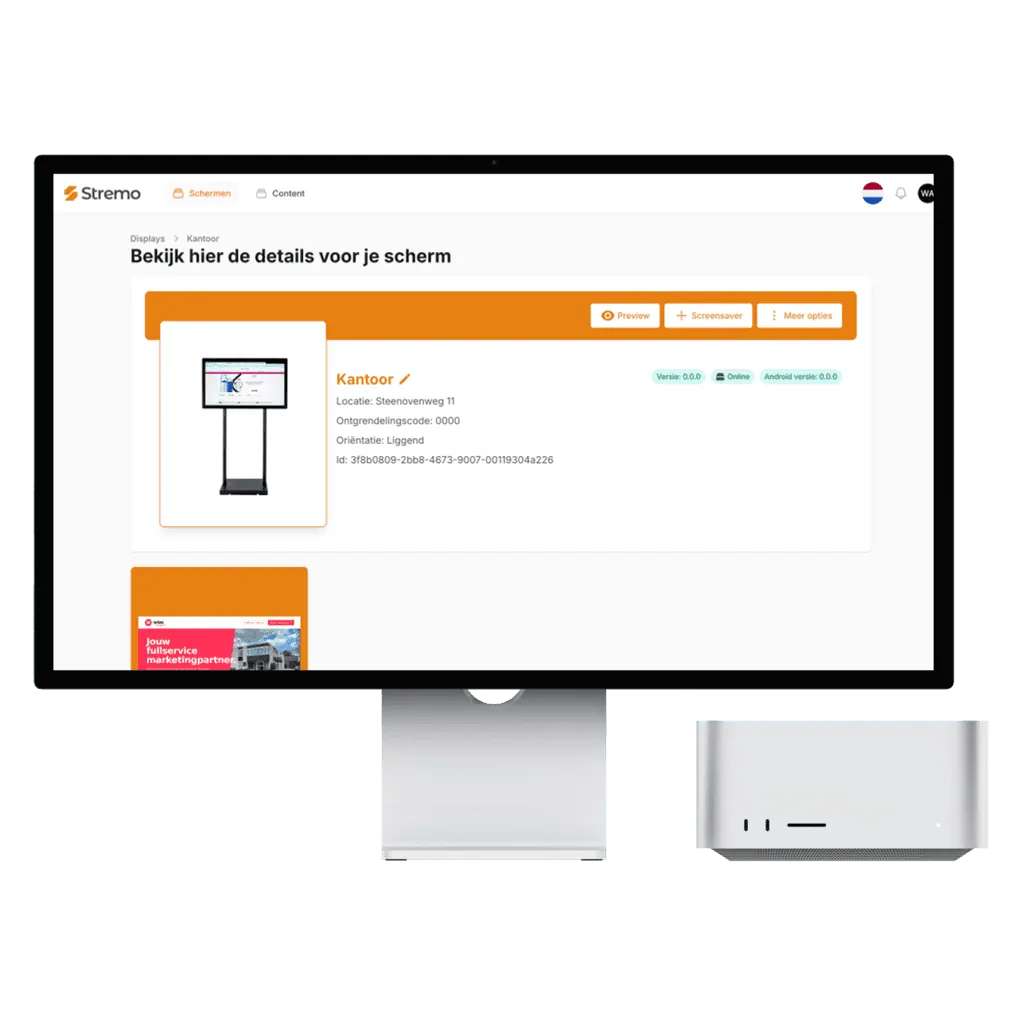
Connecting an Apple TV in the Stremo dashboard

Apple TV HD and Apple TV 4K

Stremo works on the Apple TV HD and on all generations of the Apple TV 4K. Connect the Apple TV to any screen with HDMI, over Wi-Fi or with a network cable for an extra-stable connection.
  • Apple TV HD and Apple TV 4K
  • Any screen with HDMI
  • Wi-Fi or wired network
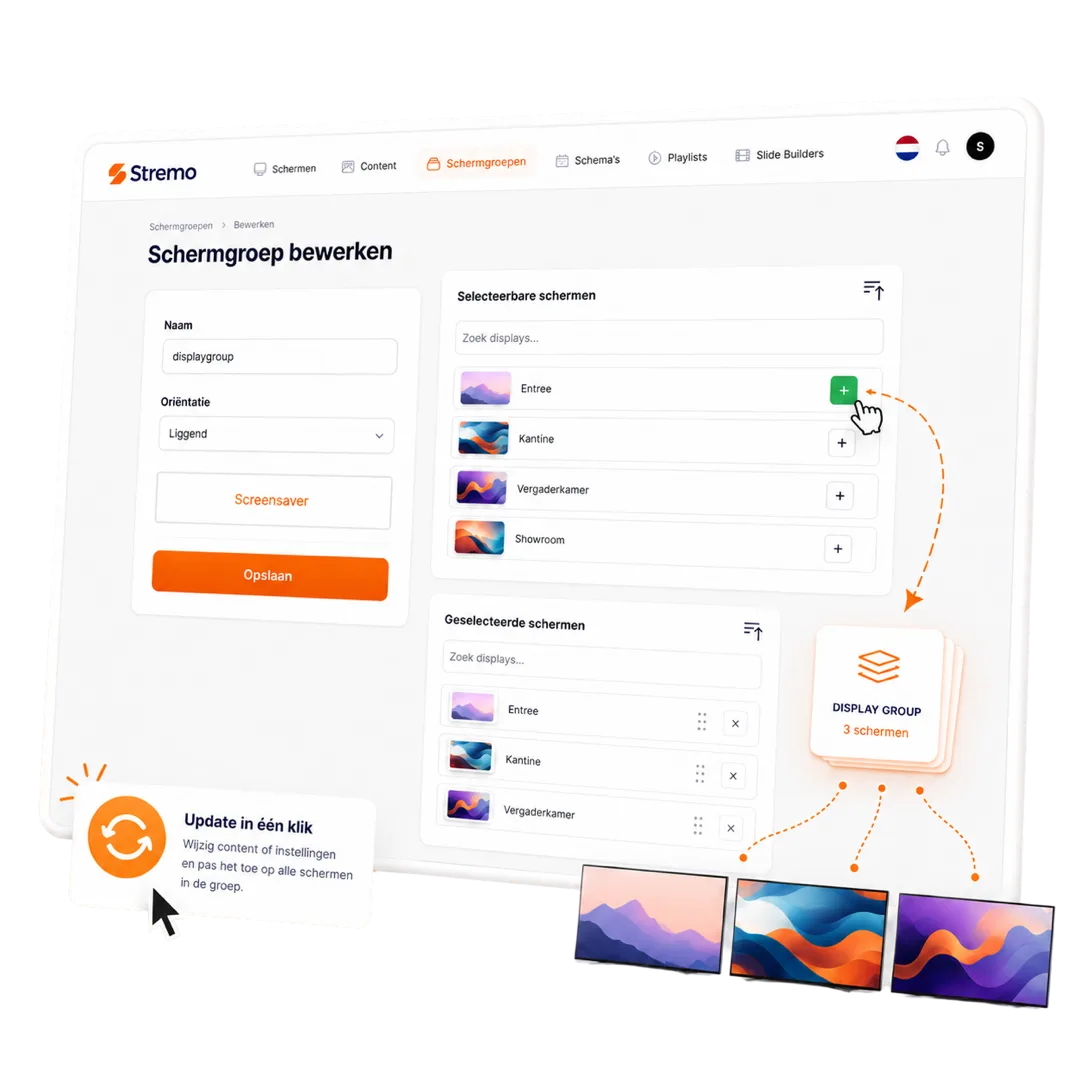
More about screen groups
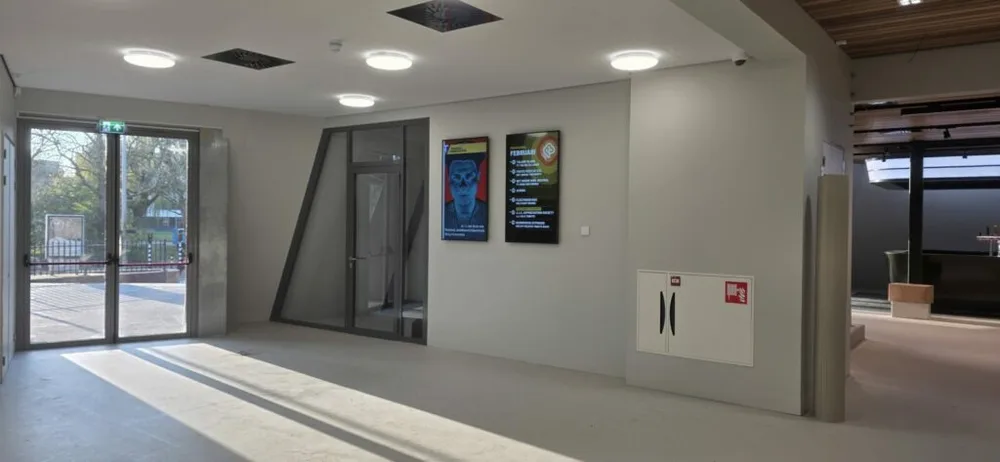
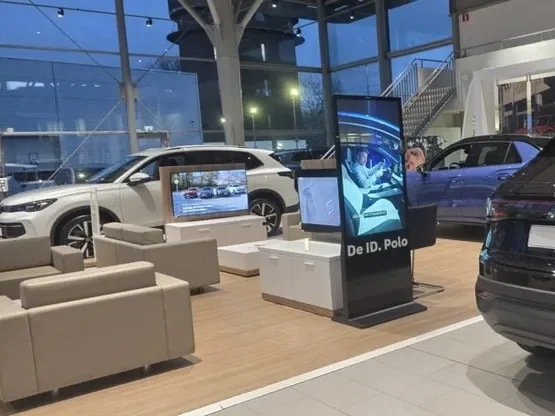
Stremo screen in a Volkswagen showroom

Rolling out through Apple device management (MDM)

Already manage iPhones, iPads, or Macs through an MDM solution like Jamf or Apple Business Manager? Then you add Apple TVs the same way. You push the Stremo app to all devices centrally, lock in settings, and keep an eye on every screen remotely. Only the pairing code is still entered per screen.
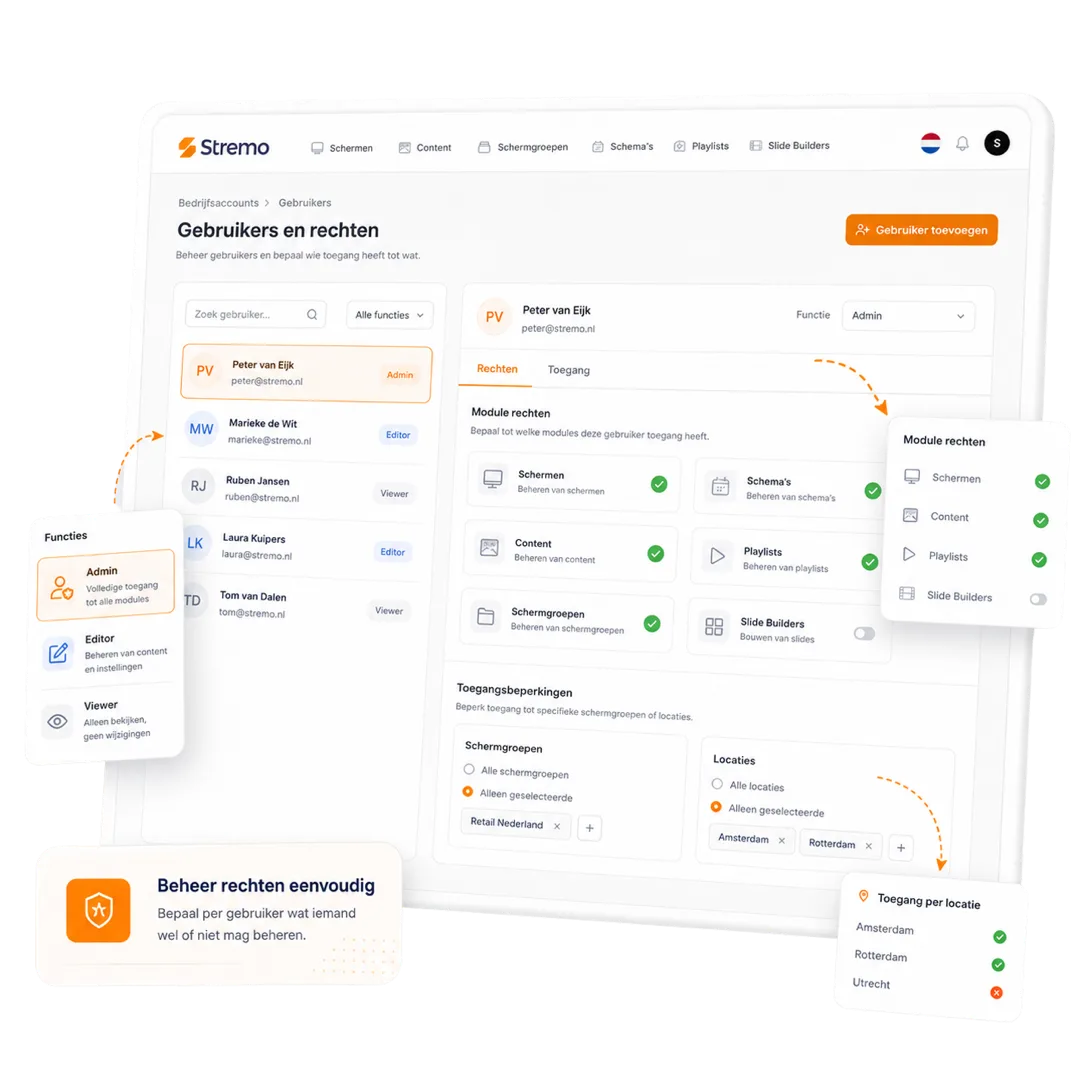
  • Roll out the Stremo app to all Apple TVs centrally
  • Settings and updates from your MDM
  • Fits your existing Apple device management
Talk to us about rolling out via MDM
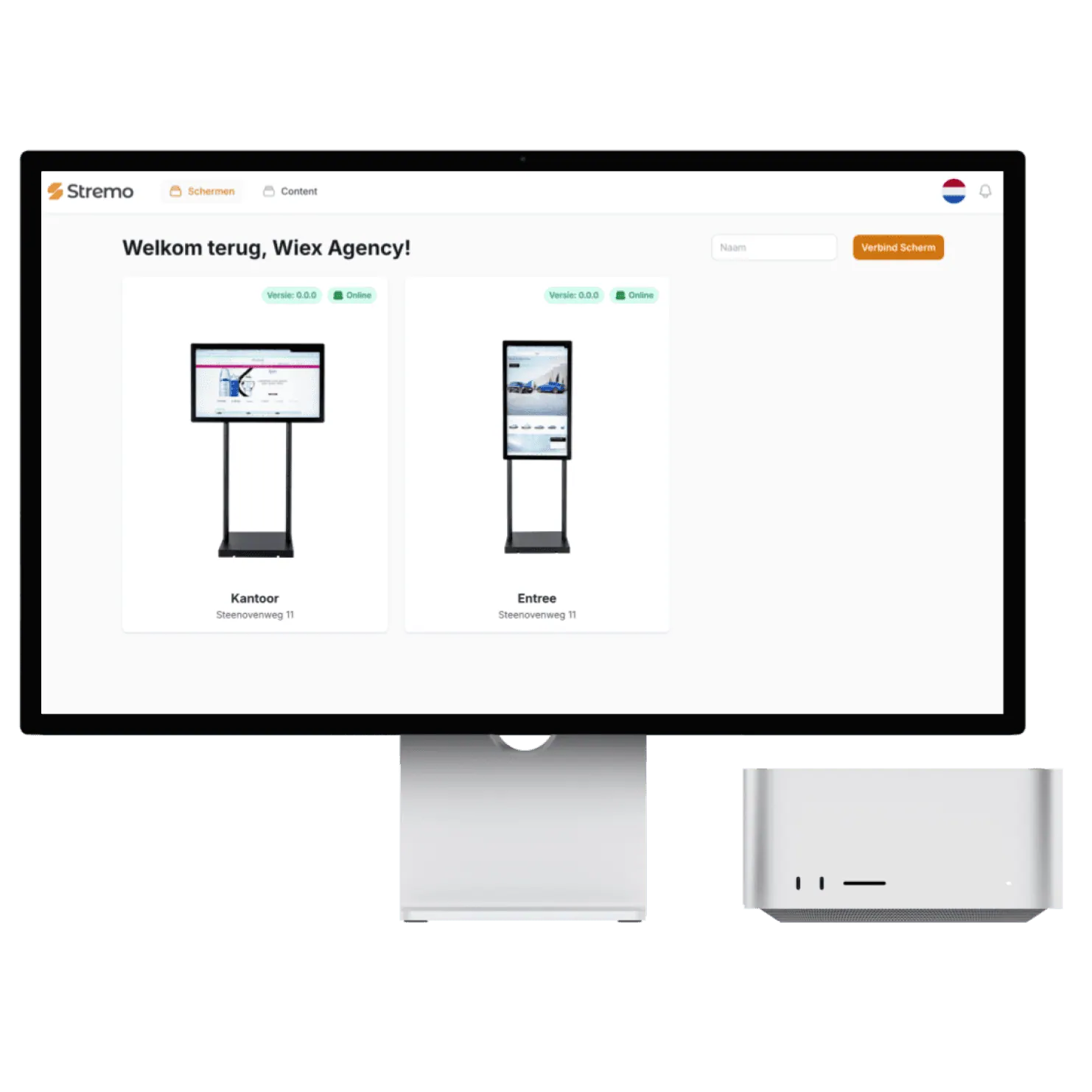
Managing users and permissions for Apple TVs in Stremo

Prefer it ready to go? Choose the Stremo Player

Don't want to pick and set up a device yourself? We supply the Stremo Player: a preinstalled player for the HDMI port of any screen. Plug it in, enter the pairing code, and you're done. A one-time €89, or €139 with ethernet, and with the same capabilities as any other platform.
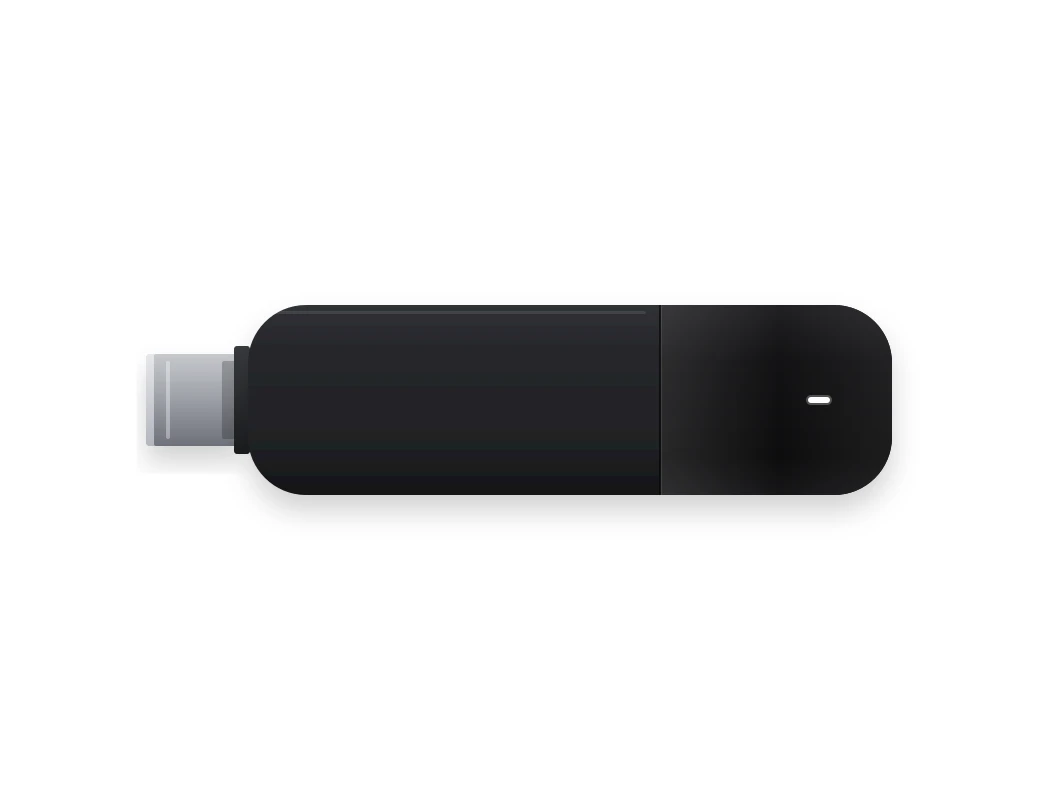
  • Delivered preinstalled
  • Works on any TV with HDMI, over Wi-Fi or ethernet
  • A one-time €89 per player, €139 with ethernet
More about the Stremo Player
Stremo Player, preinstalled and connected to a TV
4,5/5Trustpilot

Business owners on Stremo with Apple TV

Showrooms and offices choose Apple TV for the picture and the reliability.

★★★★★

"Very happy with Stremo! The customer service was excellent and the on-site installation went very smoothly. Everything was neatly arranged and we were helped well."

Neil van Kuilenburgvia Trustpilot
★★★★★

"Very happy with Stremo! The system is easy to use and works nicely. Editing and managing content is quick and simple. A great solution for digital signage. Definitely recommended!"

Chrisvia Trustpilot
★★★★★

"Very happy with Stremo! The service is excellent: quick responses, helpful thinking along, and questions explained clearly. The platform is pleasant and clear, with a dashboard that makes managing screen content easy."

vcompanyvia Trustpilot
★★★★★

"Very happy with the collaboration with Stremo. From the very first contact the communication was clear and professional. They think along well, keep their promises, and the approach feels personal and reliable. Recommended!"

Stijn van Wonderenvia Trustpilot
★★★★★

"I searched a while for digital signage software until I came across Stremo. We've now been using Stremo for over a year across several locations, and it always works."

Stefanvia Trustpilot
★★★★★

"Very happy with the end result and the road to it. The software is easy to roll out on both existing and new screens. Good, personal service that gives confidence in a lasting partnership."

Emilevia Trustpilot
★★★★★

"Very good service! They're there for every question. We only have one screen, but were still helped excellently. I highly recommend Stremo!"

Mondivia Trustpilot
★★★★★

"Works nicely — no errors or changes unless you make them yourself. That's the biggest difference compared to other digital signage companies."

Tegel Eendvia Trustpilot
★★★★★

"Good service, a user-friendly system, and professional installation. Definitely recommended!"

Marije Treurvia Trustpilot
★★★★★

"A problem with the digital signage was resolved super quickly. Clear explanations and short lines of communication."

GBI Soestvia Trustpilot
★★★★★

"Super simple and quick to use, and during implementation I had pleasant contact with customer service."

Patrick Stookervia Trustpilot
★★★★★

"I've had a good experience with Stremo. We use it for the screens in our hospitality business."

Hidde Drostevia Trustpilot
★★★★★

"Super personal service — we were quickly online with our new screens."

Storm Hoogervorstvia Trustpilot
★★★★★

"I was helped professionally by the staff and given good advice! Definitely recommended!"

Rick Burggraaffvia Trustpilot
★★★★★

"Great service. Pleasant contact and beautiful screens!"

Thomas van Echteltvia Trustpilot
★★★★★

"Great help and quickly online — definitely recommended!"

Patrickvia Trustpilot
★★★★★

"They think along, are approachable, and it's a great system."

Erikvia Trustpilot
P3 Purmerend with Stremo screens

All the communication in our building is now digital, dynamic, and centrally managed.

P3 Purmerend

P3 Purmerend

Hotels & recreation

Get started

How to set up Stremo on an Apple TV

What you need:

  • An Apple TV HD or Apple TV 4K
  • A screen with a free HDMI input
  • Wi-Fi or a network cable, and an Apple ID for the App Store

1. Connect and set up

Connect the Apple TV to HDMI and power, and run through the Apple setup with your network.

2. App from the App Store

Open the App Store on the Apple TV, search for Stremo, and install the app.

3. Enter the pairing code

Start the app: a code appears on the screen. Enter it in your dashboard under Screens.

4. Turn off sleep mode

In the settings, set sleep mode to Never so the screen keeps running. After that, the Apple TV is ready.

Background Blush
Our pricing

Flexible plans for your organization

Our digital signage software is always tailored, so we deliver a solution that fits your needs. All prices exclude hardware.

Save ~20%

Free trial

For businesses that want a simple start with digital signage.

14 days free
Discover what's possible

Features

  • Stream to one screen
  • Use of basic modules (images and videos)
  • Manage 1 screen at a time
  • Stremo ad (1 slide + watermark)

Stremo Enterprise

More options and flexibility for your digital signage environment.

On request
Request a quote

Plus plan plus

  • Everything in Basic
  • Available from 10+ screens
  • Custom modules and integrations
  • Includes a permissions structure and multiple locations, with on-site delivery and installation

FAQ

Questions about Stremo on Apple TV

1. Which Apple TV do I need?
Plus

An Apple TV HD or an Apple TV 4K. Both run the Stremo app from the App Store. For 4K screens, go with the Apple TV 4K, of course.

2. Can I roll out Apple TVs centrally?
Plus

Yes. If you use an MDM solution for Apple devices, you can push the Stremo app to all your Apple TVs with it. The link to your dashboard is done per screen with the pairing code.

3. Does the screen keep working if the internet drops?
Plus

Yes. Your content is stored on the Apple TV and keeps running without a connection. As soon as the internet is back, the screen automatically pulls in the latest changes.

4. Is Apple TV included in every plan?
Plus

Yes. Your subscription doesn't depend on which platform your screens run on; you pay per screen, not per device type. View the pricing for the details.

Didn't find your answer? Our team is happy to help.

Background Pattern

Get started today

Ready to get started with digital signage?

Discover how easy digital signage can be. Stremo helps businesses make information visible. Without the hassle.

Cta Image
User Image
Chat Image
Chat Image
Cta Image
Grid Background