





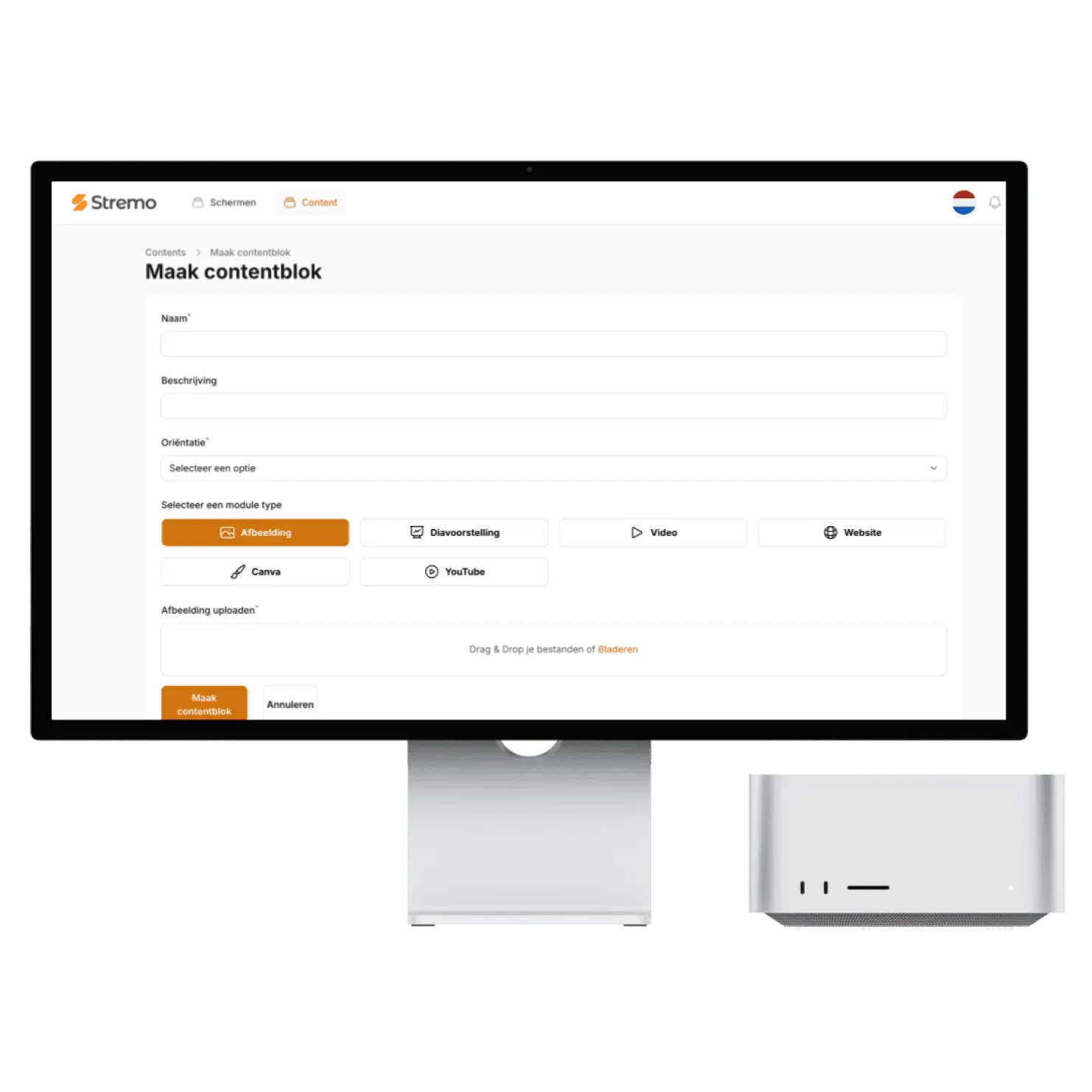
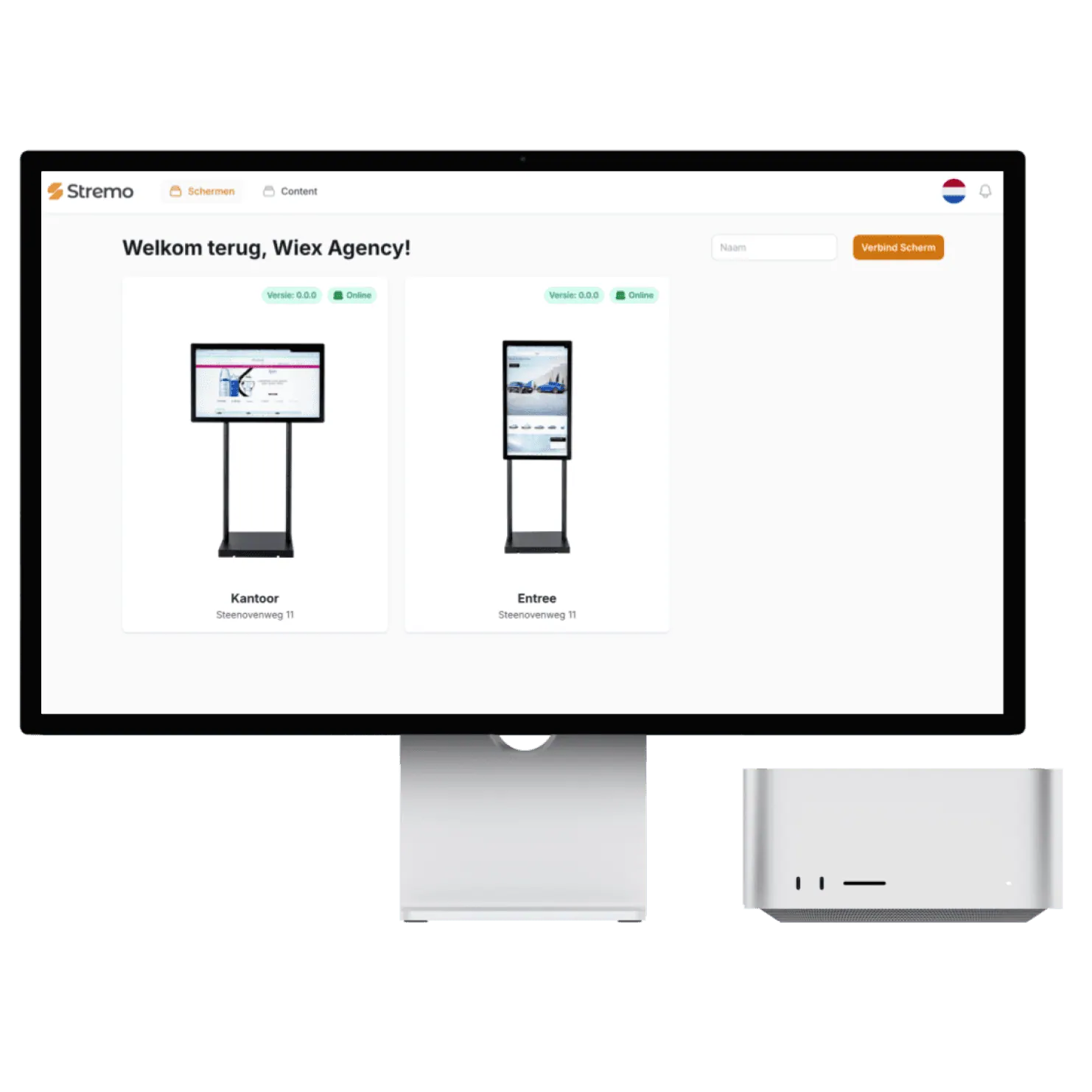
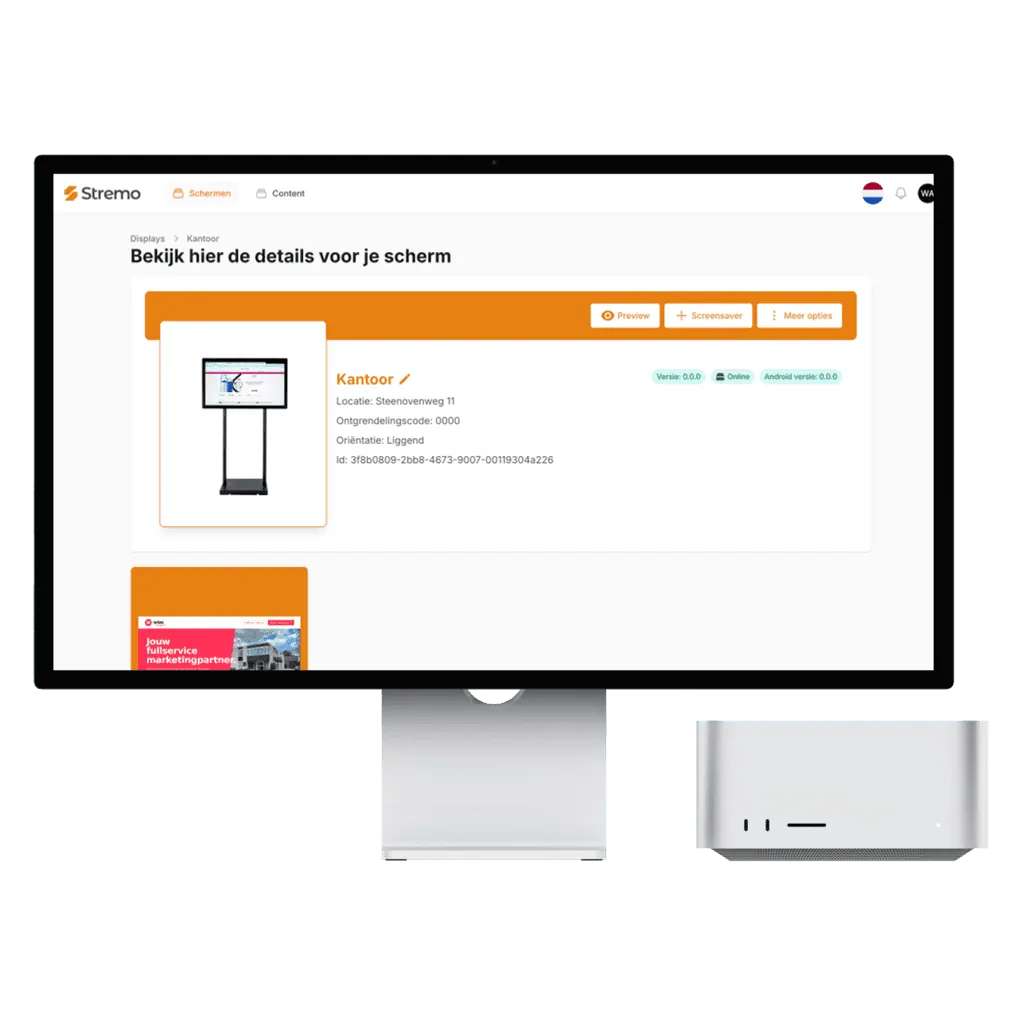
"Very happy with Stremo! The service is excellent: quick responses, helpful thinking along, and questions explained clearly. The platform is pleasant and clear, with a dashboard that makes managing screen content easy."
vcompanyvia Trustpilot
A Chromecast with Google TV fits behind any screen with an HDMI port, costs just a few dollars, and is set up in a few minutes. That makes it the most popular way to turn existing screens into Stremo screens, especially across multiple locations.

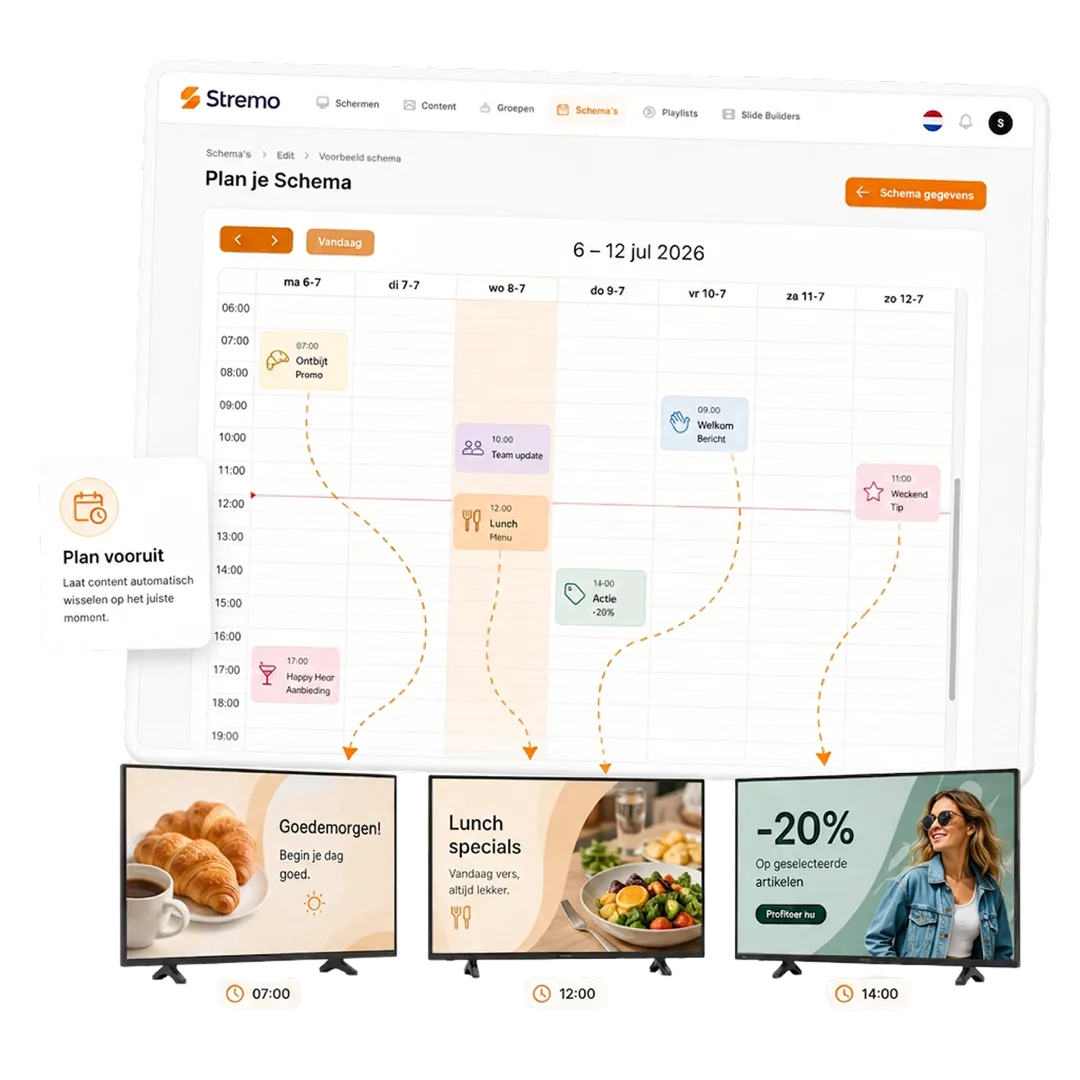
Connect the Chromecast to the HDMI input and a power outlet, join it to Wi-Fi, and install the Stremo app from the Play Store. When it starts, a pairing code appears that you enter in your dashboard. After that, your screen is live right away.
More and more TVs come with Google TV already on board. On those you install the Stremo app directly and no longer need a separate streamer. So you choose per screen what's most convenient: built in, or with a Chromecast behind it.
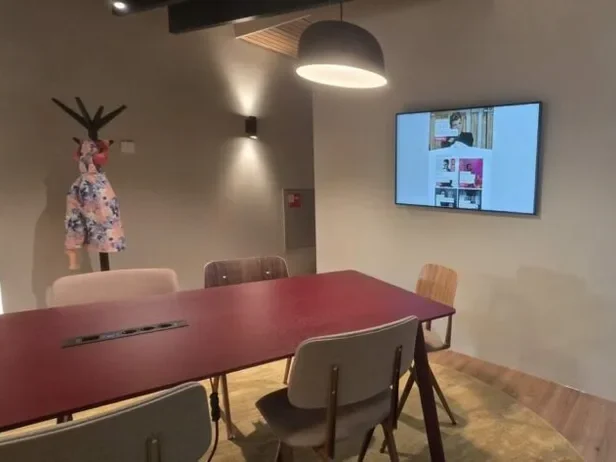
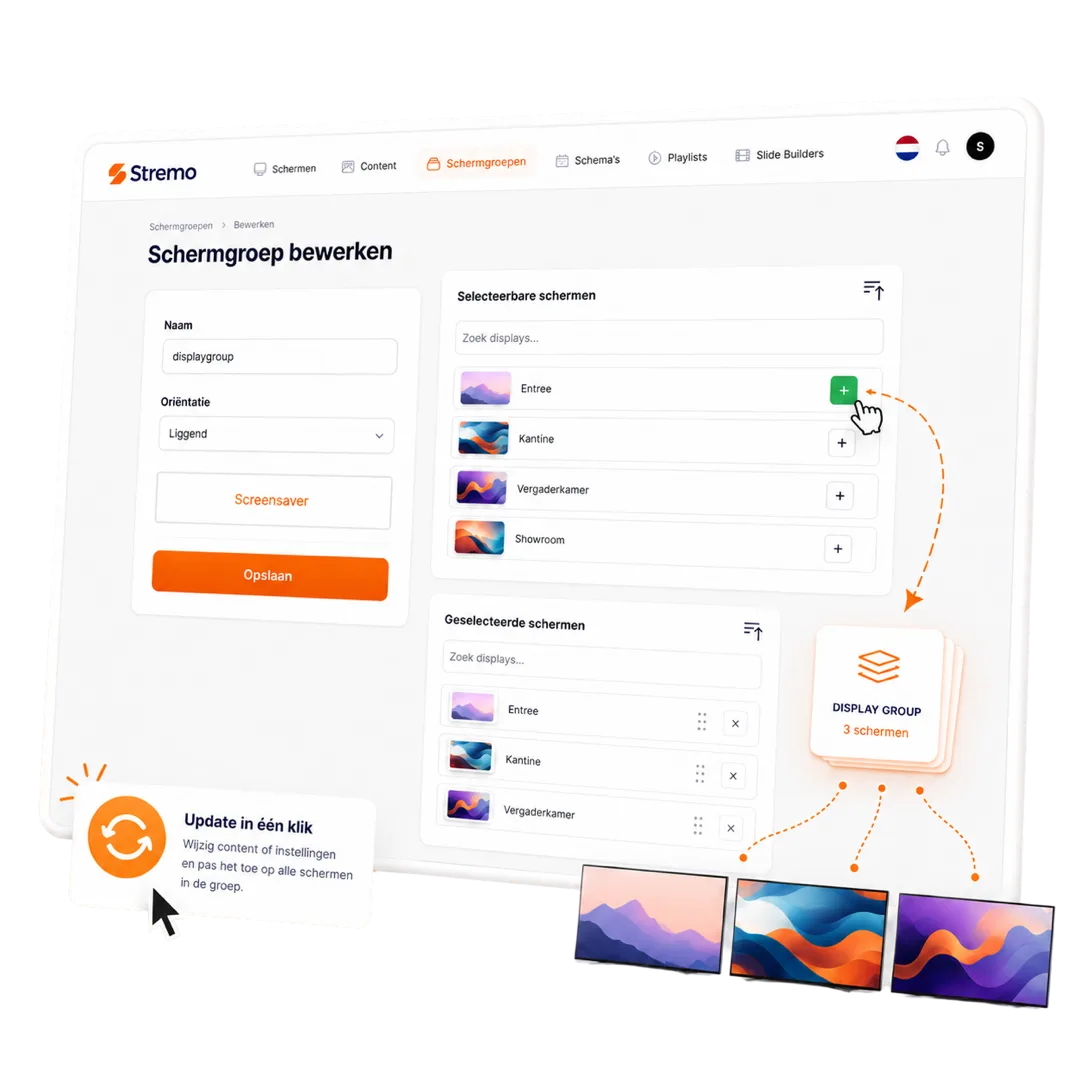
The Chromecast is especially handy across multiple locations: you ship each location a streamer, they plug it in and enter the pairing code. In your dashboard you put the screens per location into a screen group, so you publish centrally and deviate per location where needed.
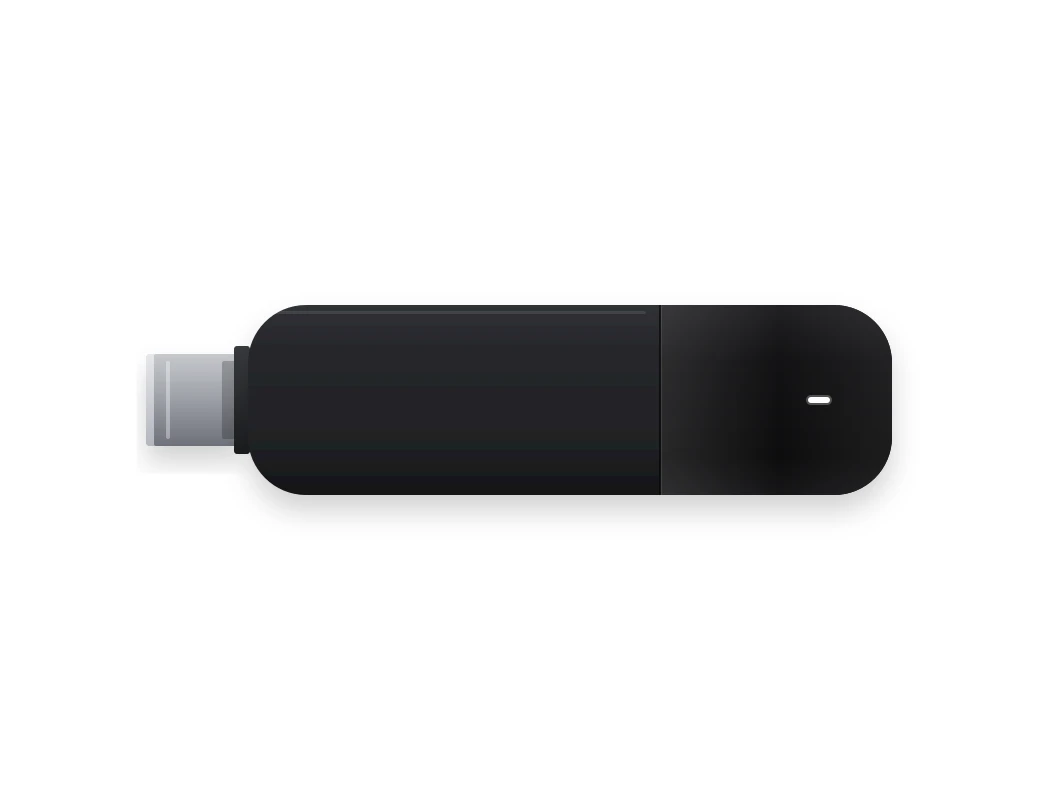
Don't want to pick and set up a device yourself? We supply the Stremo Player: a preinstalled player for the HDMI port of any screen. Plug it in, enter the pairing code, and you're done. A one-time €89, or €139 with ethernet, and with the same capabilities as any other platform.
With a streamer behind a screen that was already mounted, these businesses were live the same day.
Our digital signage software is always tailored, so we deliver a solution that fits your needs. All prices exclude hardware.
For businesses that want a simple start with digital signage.
Features
For businesses that want to get the most out of their digital signage.
Basic plan plus
More options and flexibility for your digital signage environment.
Plus plan plus
Didn't find your answer? Our team is happy to help.
Get started today
Discover how easy digital signage can be. Stremo helps businesses make information visible. Without the hassle.




Download the free Stremo brochure with real-world examples, all the possibilities, and a clear pricing overview.